Features
Offura provides all the tools for your daily admin: from adding your first client to exporting your annual overview for the accountant. Simple, fast and without unnecessary complexity.
Clients & projects
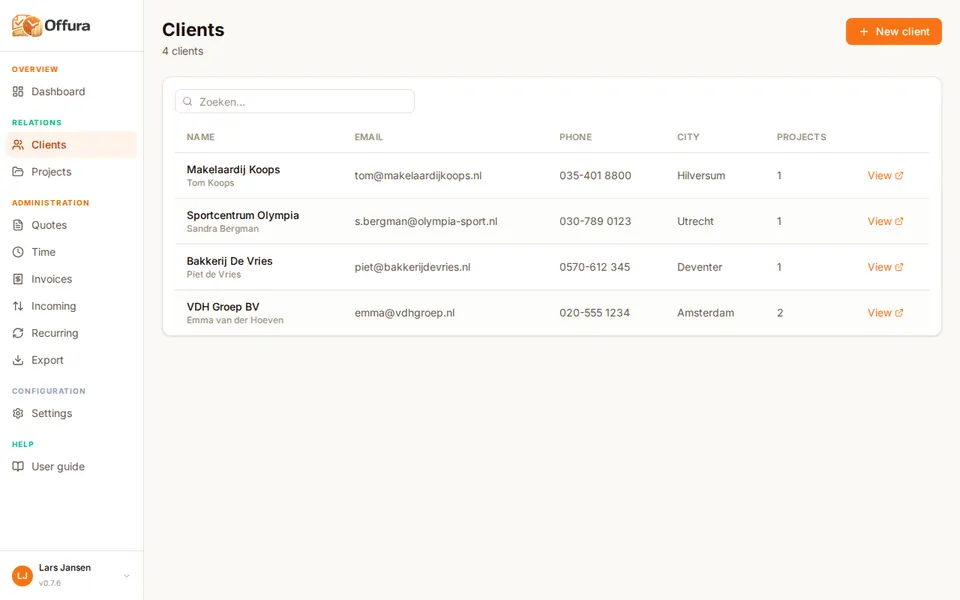
Enter your client details once and reuse them for every invoice and quote. Link projects to clients for a clear work file.
Store all contact and company details per client. Offura fills in forms automatically when you select a client.
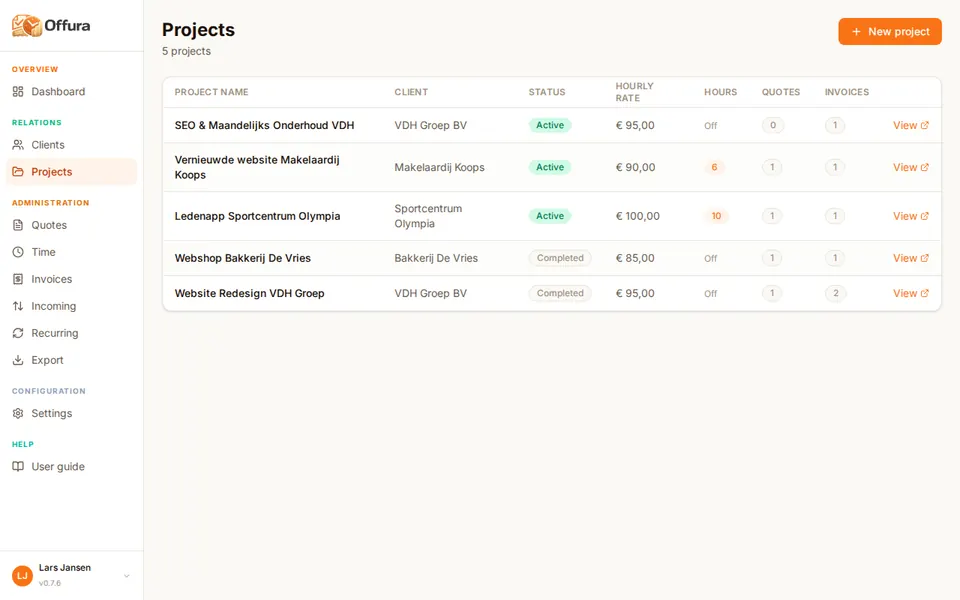
Create projects per client. Link hours and invoice lines to a project and see at a glance what has already been invoiced.
Quotes
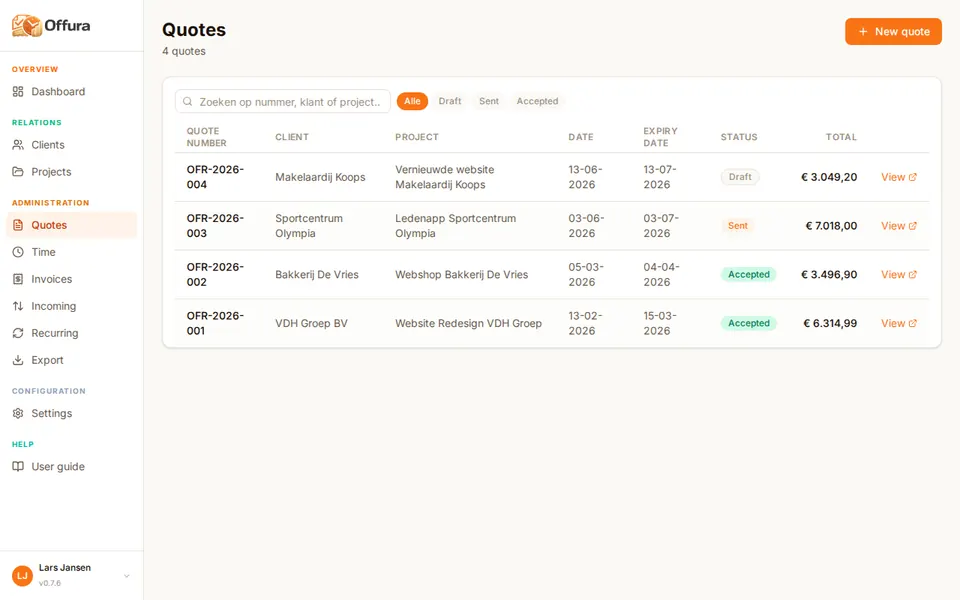
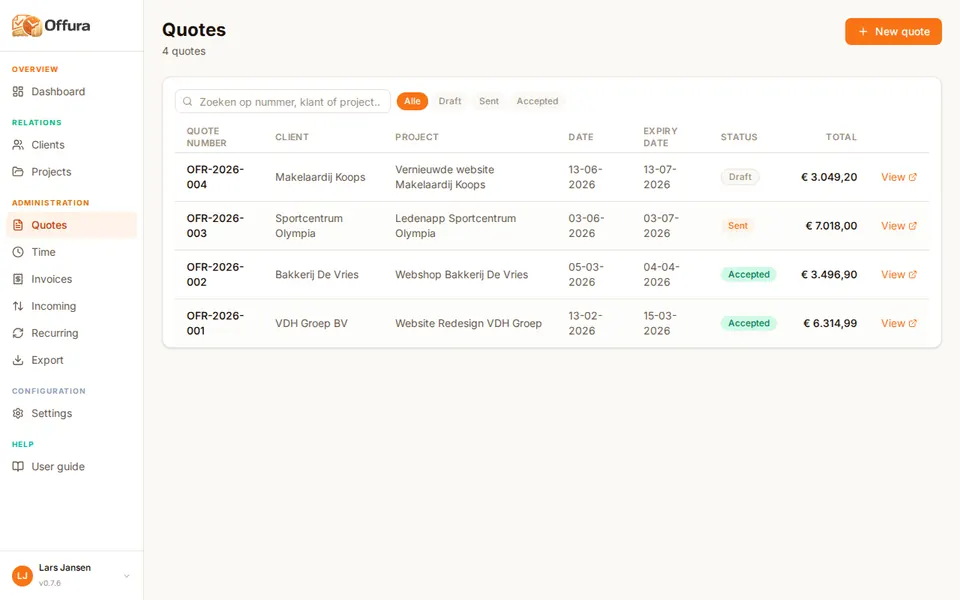
Send professional quotes with a personal acceptance link. Clients sign digitally — you receive confirmation immediately.
Invoices
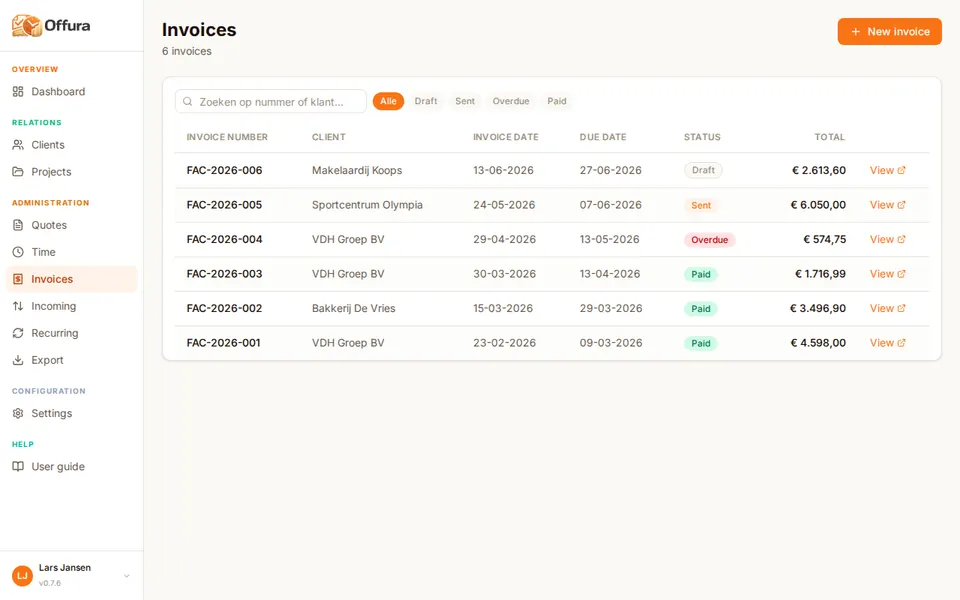
Generate an invoice from your quote or create one from scratch. Offura calculates totals automatically and generates a unique invoice number.
Time tracking STARTER
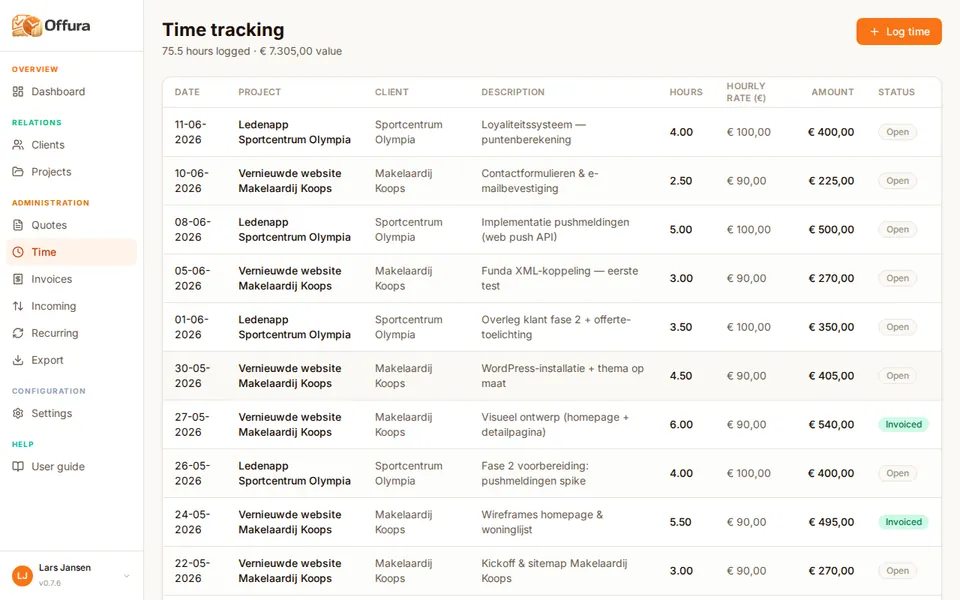
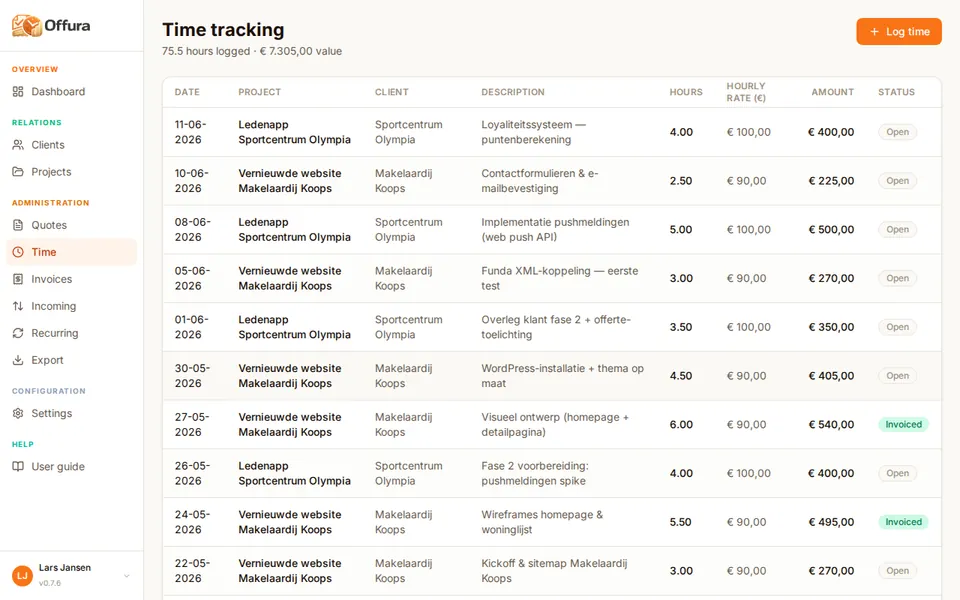
Log your hours directly in Offura and link them to a client and project. Set an hourly rate and convert hours to invoice lines with one click.
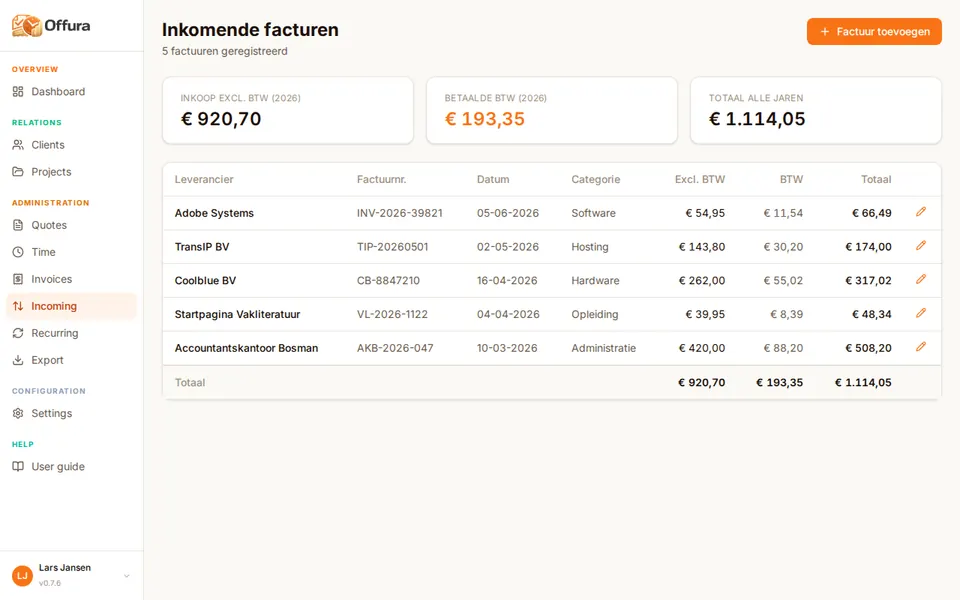
Incoming invoices PRO
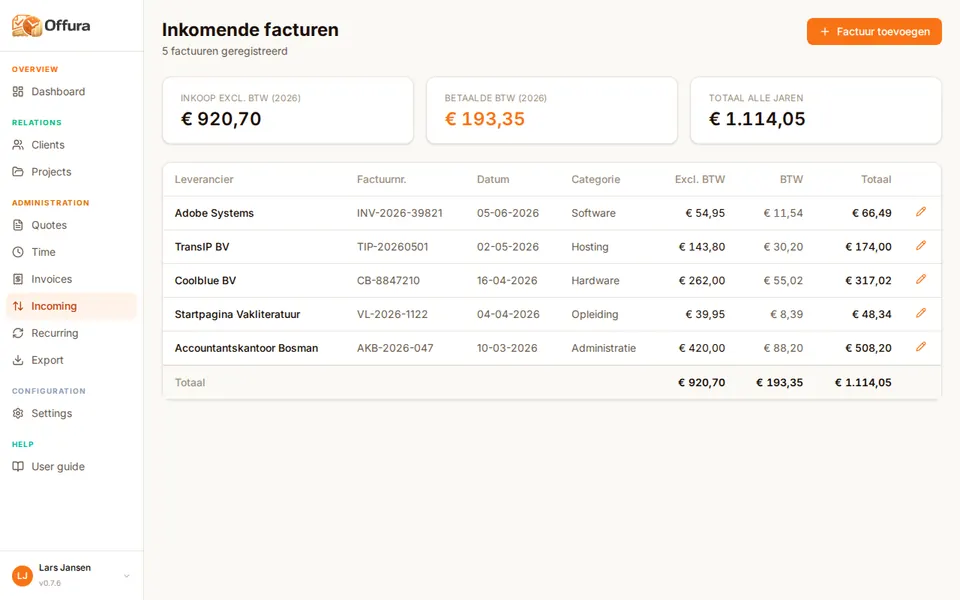
Store invoices you receive from suppliers and service providers in Offura. This way your entire financial flow is in one place for your accountant.
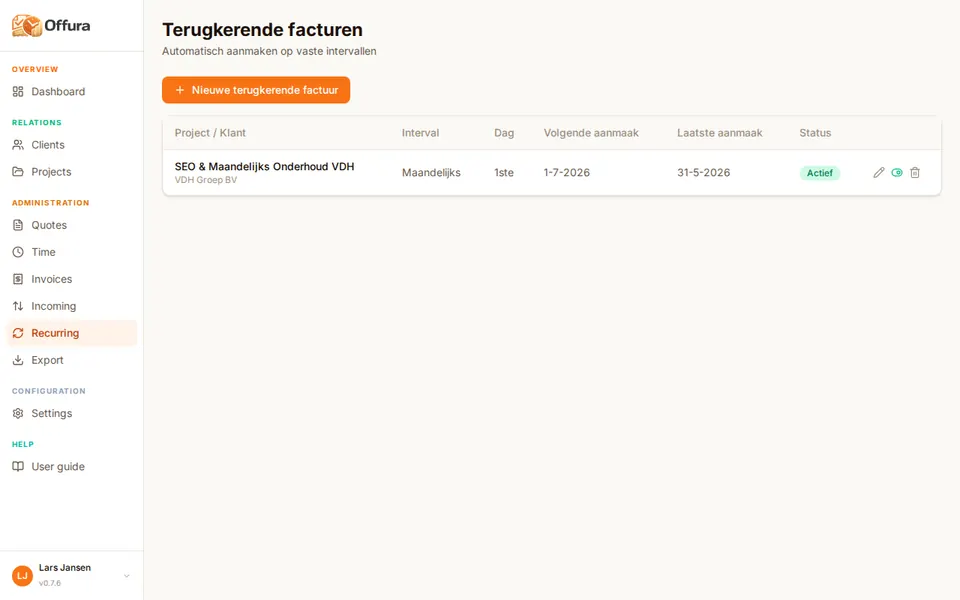
Recurring invoices PRO
Have clients on a fixed monthly retainer? Set up recurring invoices and Offura sends them automatically at the moment you choose.
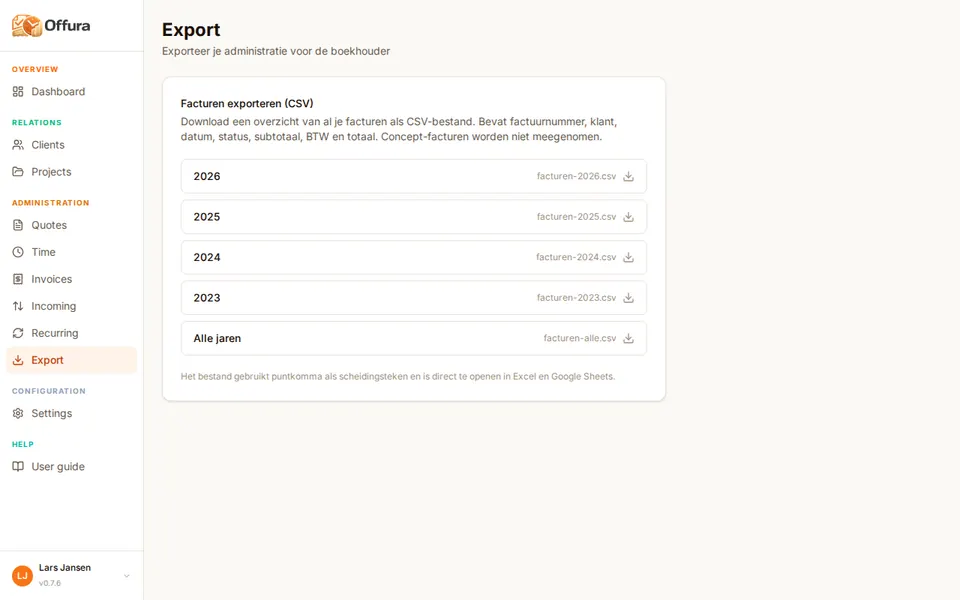
Export STARTER
Export your invoices and hours as CSV or PDF for your accountant. Choose a period and download everything in one click. Less work, lower accounting fees.
Online payments STARTER
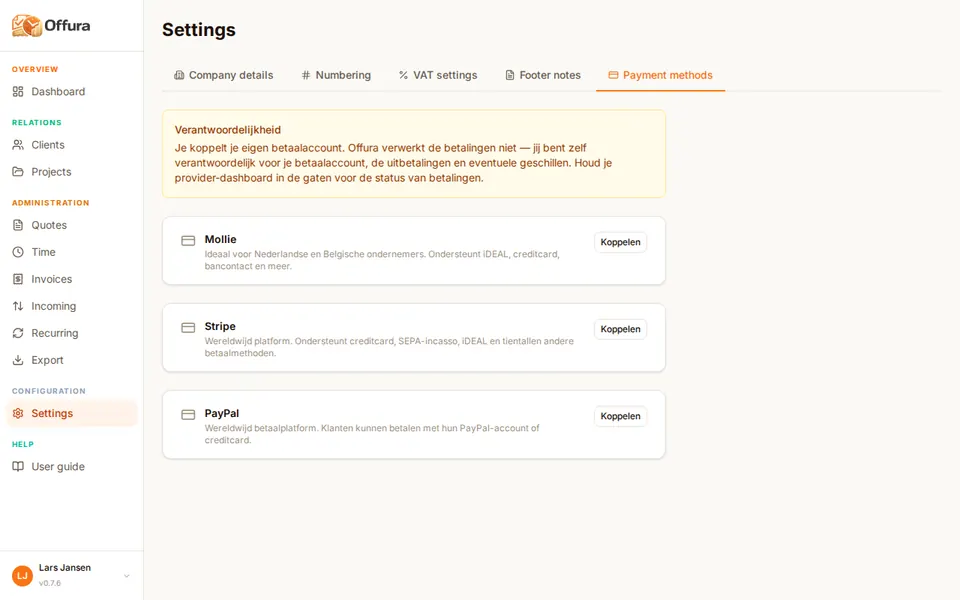
Link your own Mollie, Stripe or PayPal account and add a payment button to every invoice. Clients pay with iDEAL, credit card or PayPal — no manual bank transfer needed.
Overview
| Feature | FREE | STARTER | PRO |
|---|---|---|---|
| Clients | Max. 3 | Unlimited | Unlimited |
| Projects | Max. 1 | Unlimited | Unlimited |
| Quotes per month | Max. 2 | Max. 20 | Unlimited |
| Invoices per month | Max. 2 | Max. 20 | Unlimited |
| PDF download invoice & quote | Yes | Yes | Yes |
| Send by email | Yes | Yes | Yes |
| Digital signature on quotes | Yes | Yes | Yes |
| Own logo & branding | Yes | Yes | Yes |
| Automatic calculations | Yes | Yes | Yes |
| Track payment status | Yes | Yes | Yes |
| Online payment link (Mollie / Stripe / PayPal) | Yes | Yes | Yes |
| Time tracking | — | Yes | Yes |
| CSV/PDF export for accountant | — | Yes | Yes |
| Incoming invoice management | — | — | Yes |
| Recurring invoices | — | — | Yes |
| Priority support | — | — | Yes |
Create a free account and discover how easy invoicing can be.